From idea to finished plan—in minutes
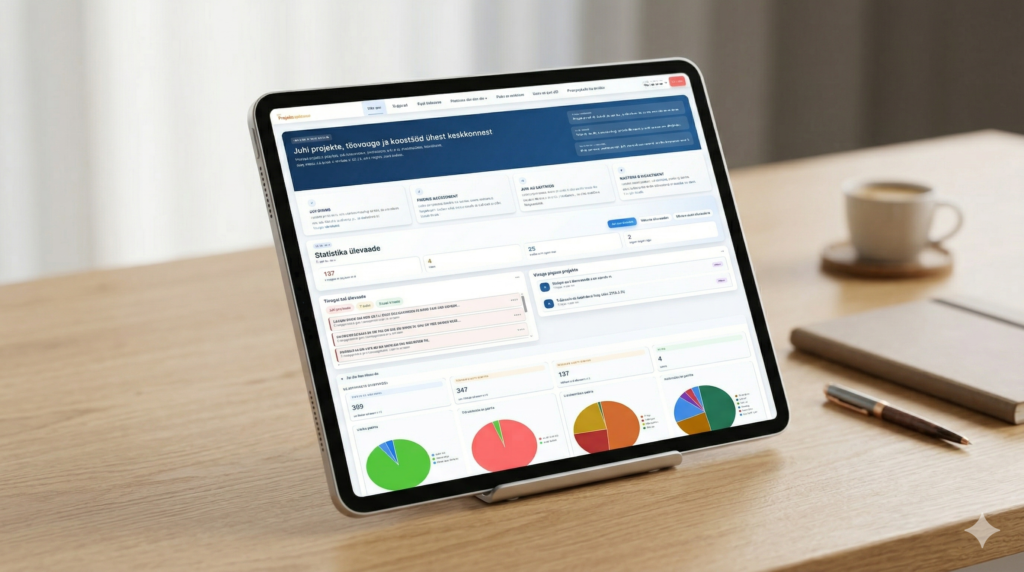
Project Assistant is a project management platform that instantly transforms your idea into a structured plan and provides your team with the tools to execute it—Gantt charts, Kanban boards, risk management, integrations, and much more.
One platform. The whole project.
How does Project Assistant work?
Creating a project consists of three simple steps.

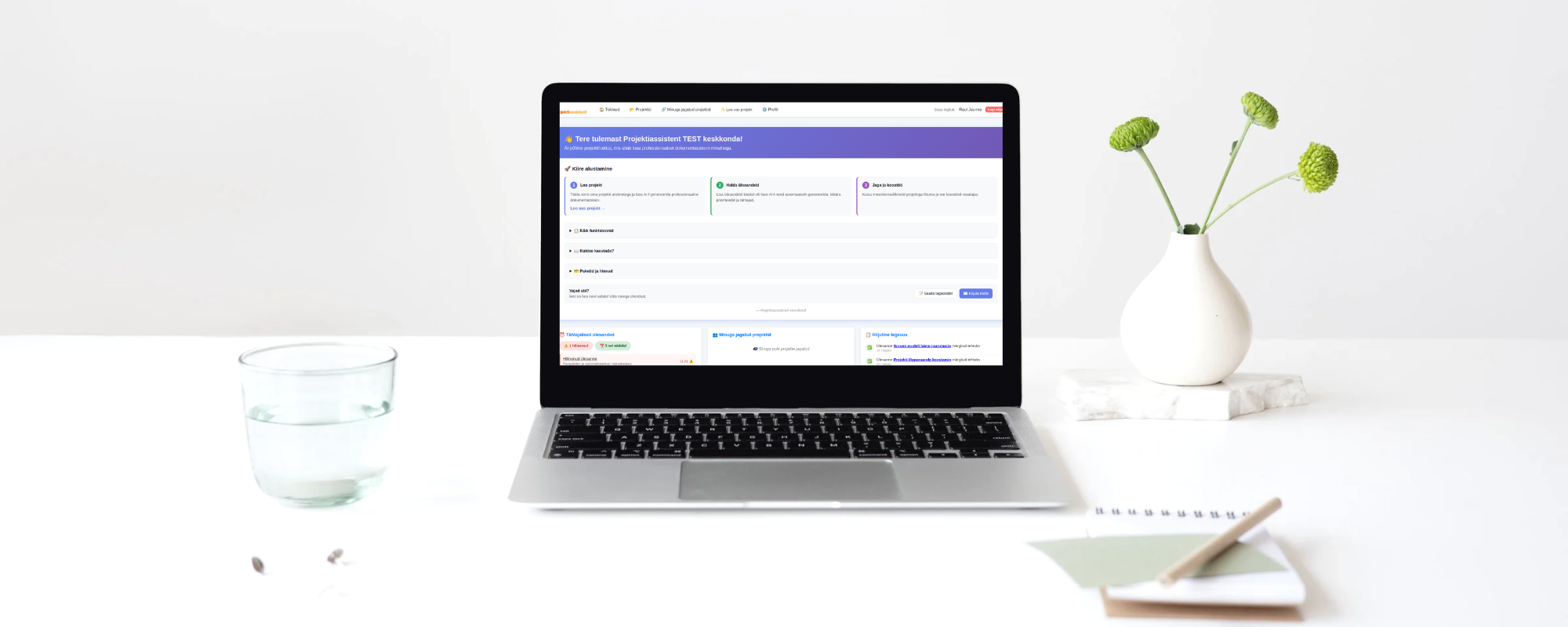
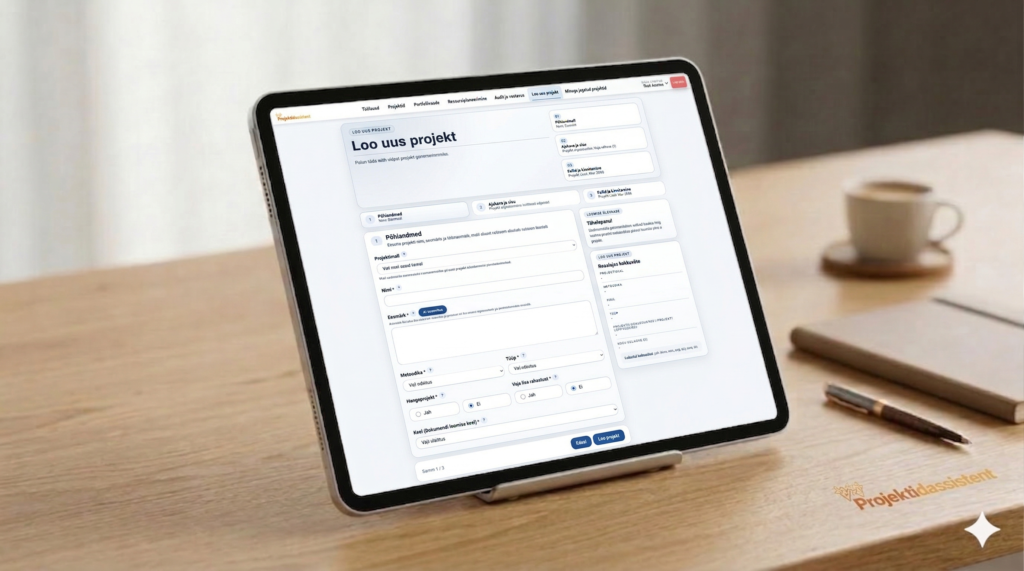
Enter your project idea
Describe the goal, timeframe, and budget. If needed, include the funding scheme, regulation, or law relevant to your project—the AI will take everything into account.

AI generates your project plan
The AI analyzes your input and automatically generates:
- Project description and objectives.
- Action plan with stages and tasks.
- Realistic timeline and milestones.
- Analysis of risks and assumptions.

Manage your entire project in one place
Your project plan becomes a dynamic workspace. From there, you can use the same tools every great project manager needs:
- Gantt & Kanban – see your schedule and task status at a glance.
- Team & Resources – share the project, assign owners, and track workloads.
- AI Support – ask questions about your project, generate status reports, and analyze risks.
- Integrations – sync with Slack, Teams, calendars, and other tools.
AI-powered project management – from planning to execution
Project Assistant is more than just a planner. It’s an environment where your project is born, evolves, and succeeds—driven by AI from start to finish.

Why do projects fail before they even start?
Most issues don’t arise during execution—they are built-in during the planning phase:
- The project plan is too vague and detached from reality.
- Risks remain unnoticed.
- The timeline is optimistic, not realistic.
- Resources and owners are undefined.
- Regulatory requirements come as a surprise.
Project Assistant analyzes project logic and flags these issues before they become costly.

What does the AI automatically generate?
Enter your idea – the system builds a complete project plan containing all essential parts:
- Objectives and project description.
- Action plan, stages, and tasks.
- Timeline and milestones.
- Resource requirements.
- Risk and assumption analysis.
You don’t get a generic template—you get a plan built around your project.

Supported Methodologies
Work the way that suits you best. Project Assistant supports Scrum, Kanban, Waterfall, and the PRINCE2 framework—the methodology shapes the management structure, while your project content always remains clear.
Blog
We write about project management, decision-making logic, funding and procurement readiness, and the common pitfalls organizations face when launching projects.
-

10 Practical Tips for Successful Project Management – Step-by-Step Guidance for Everyday Work
Project management is an art that brings together people, deadlines, and goals. Every project manager knows the feeling when a deadline slips away, tasks pile up, and communication with the team descends into chaos. The good news is that most of these problems…
-
Project Assistant – AI-Powered Project Management and Planning Platform
If you’ve ever spent hours putting together a project plan, sent it out to your team, and been met with silence – you know exactly what we’re talking about. Project management is hard not because the tasks are difficult, but because there are…

Who is Project Assistant for?
Project Managers & Teams who want to manage everything in one place—without losing info in emails, spreadsheets, and fragmented tools.
IT & Development Teams needing a flexible environment that supports Scrum, Kanban, and traditional planning.
Executives & Decision-Makers who need a high-level overview of project status, risks, and resources—without digging for every detail.
Consultants & Service Providers managing multiple projects and clients simultaneously, requiring clear structure and professional reporting.
Public Sector Organizations that must factor in regulatory requirements, funding conditions, and auditability right from the planning stage.
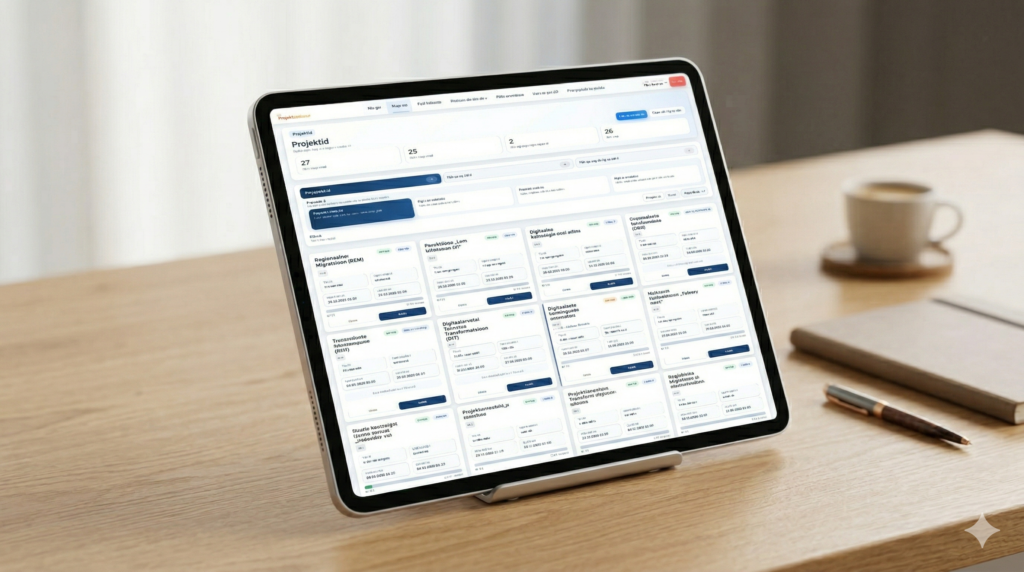

Do I need prior project management experience?
No. Project Assistant guides you through the entire process—the AI asks the right questions and structures the plan for you. While experienced project managers can work significantly faster, beginners get a powerful launchpad.

How long does it take to create the first project plan?
Typically 5–15 minutes. Enter your project idea, goal, and timeframe—the AI generates a structured plan in seconds. From there, you can refine, adjust, and share it with your team.

Is it suitable for complex projects?
Yes. The platform supports task dependencies, multi-project portfolio views, resource planning, and integrations with other essential tools.
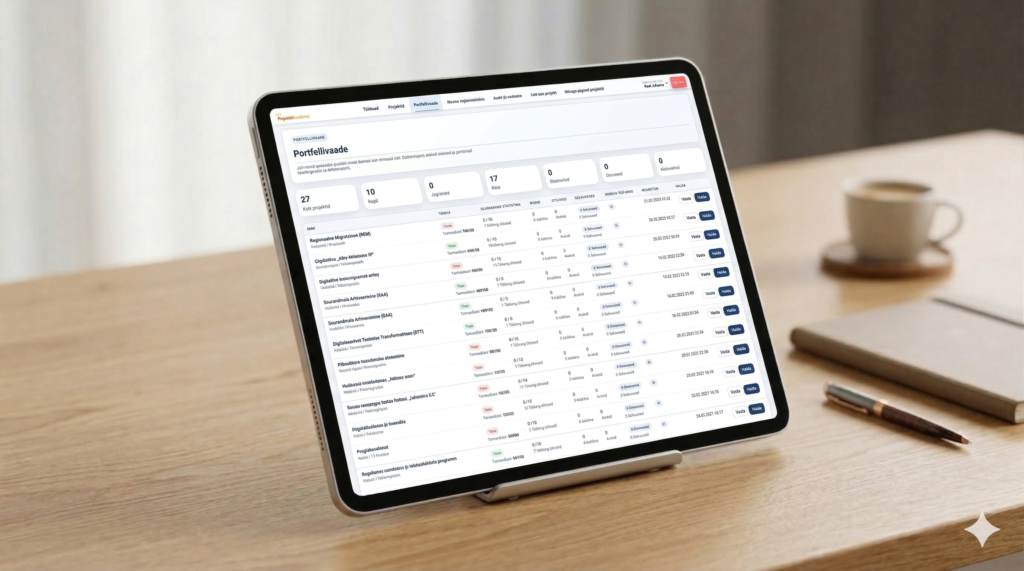
Discover Project Assistant for free
Create an account and see for yourself how AI makes project planning faster and clearer. Enjoy a 14-day free trial with full access to all Pro features.
In just a few minutes, you’ll get:
- An AI-generated project plan based on your idea.
- Structured tasks, a timeline, and a risk analysis.
- Tools to manage your entire project in one place.